
Hybrid Digital Signage & Queue Management Platform
Bring every screen to life.
Create, schedule, publish and manage engaging content across every screen — through Cloud, Edge or Offline, from one platform.
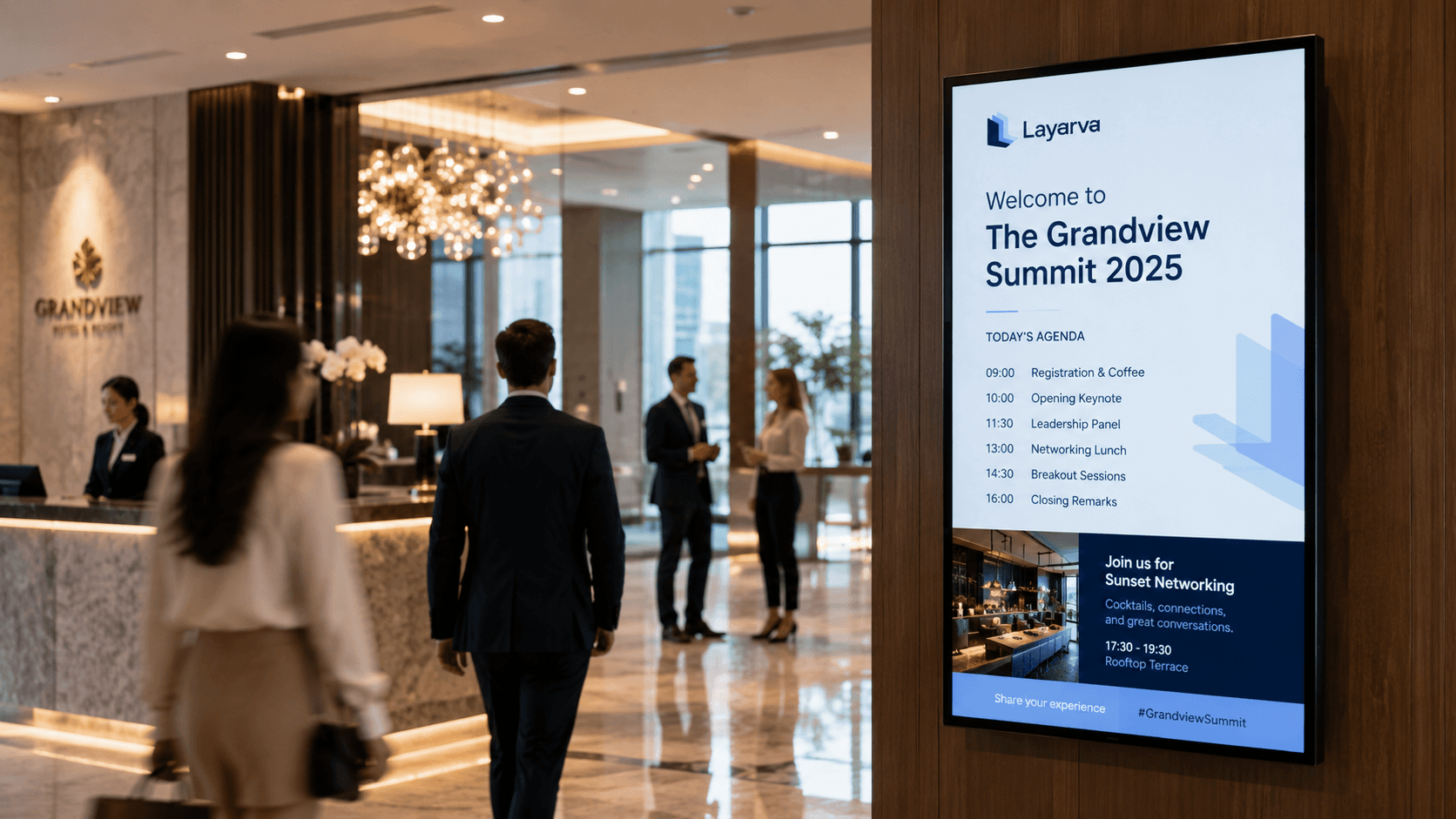
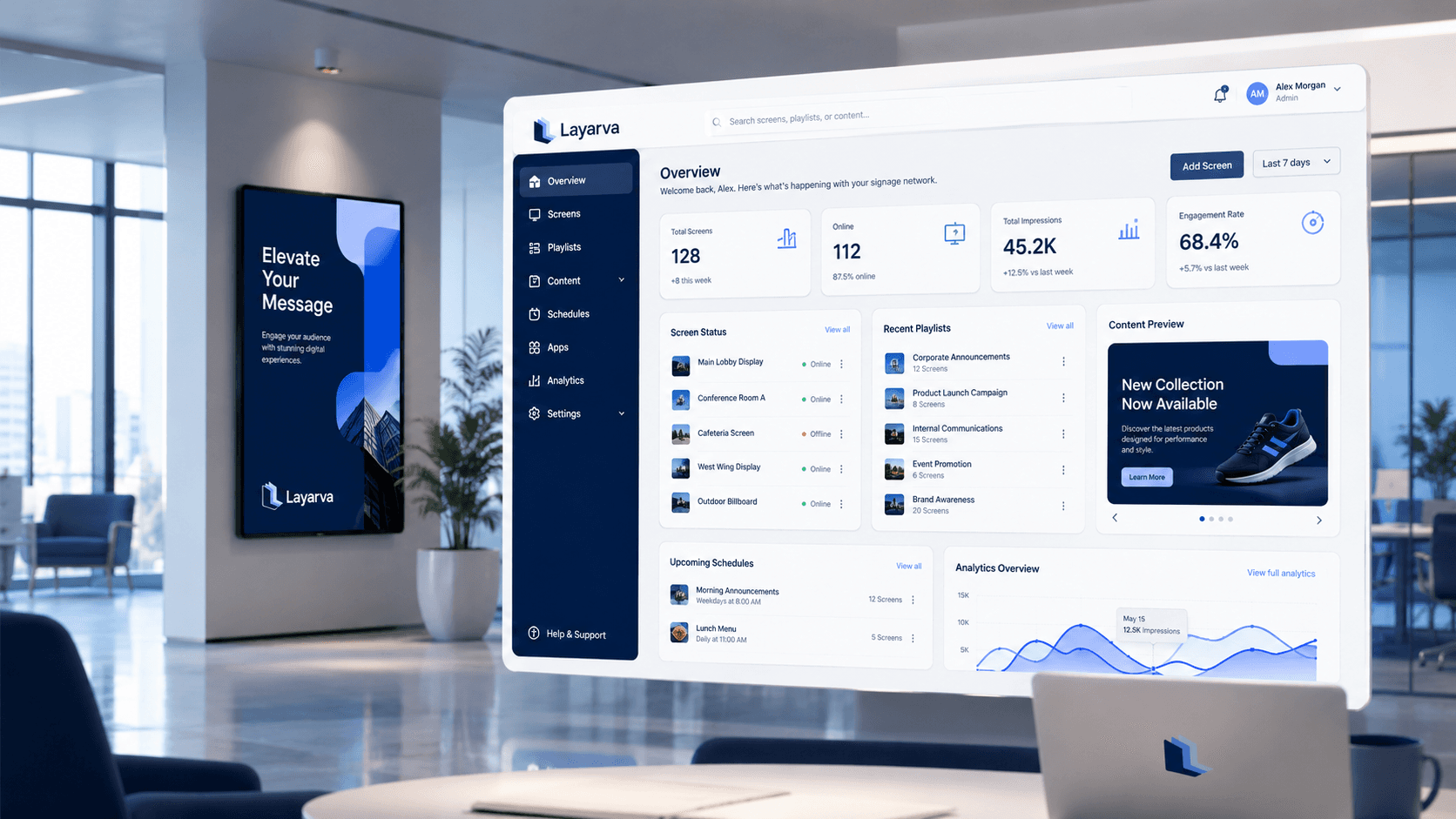
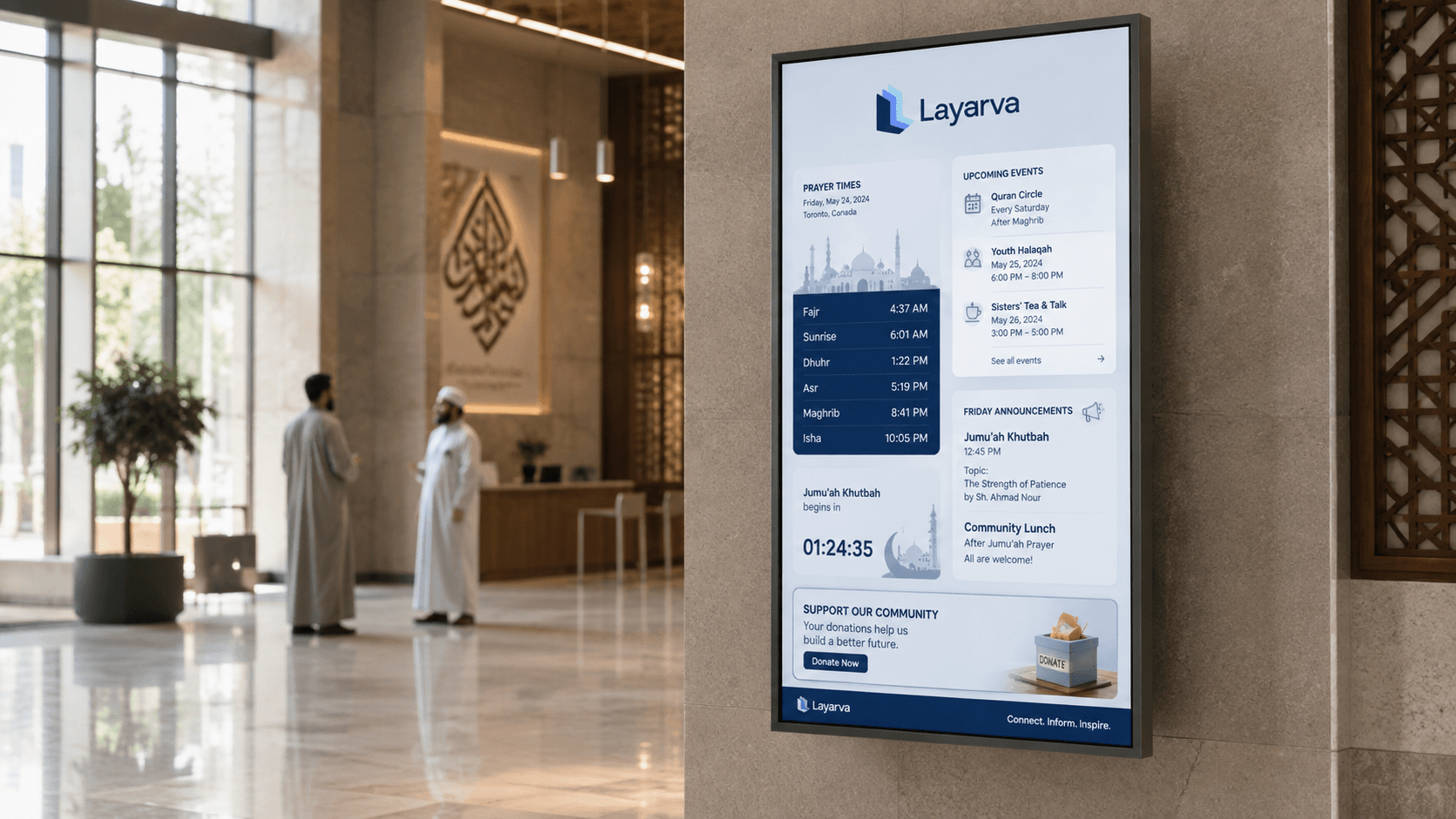
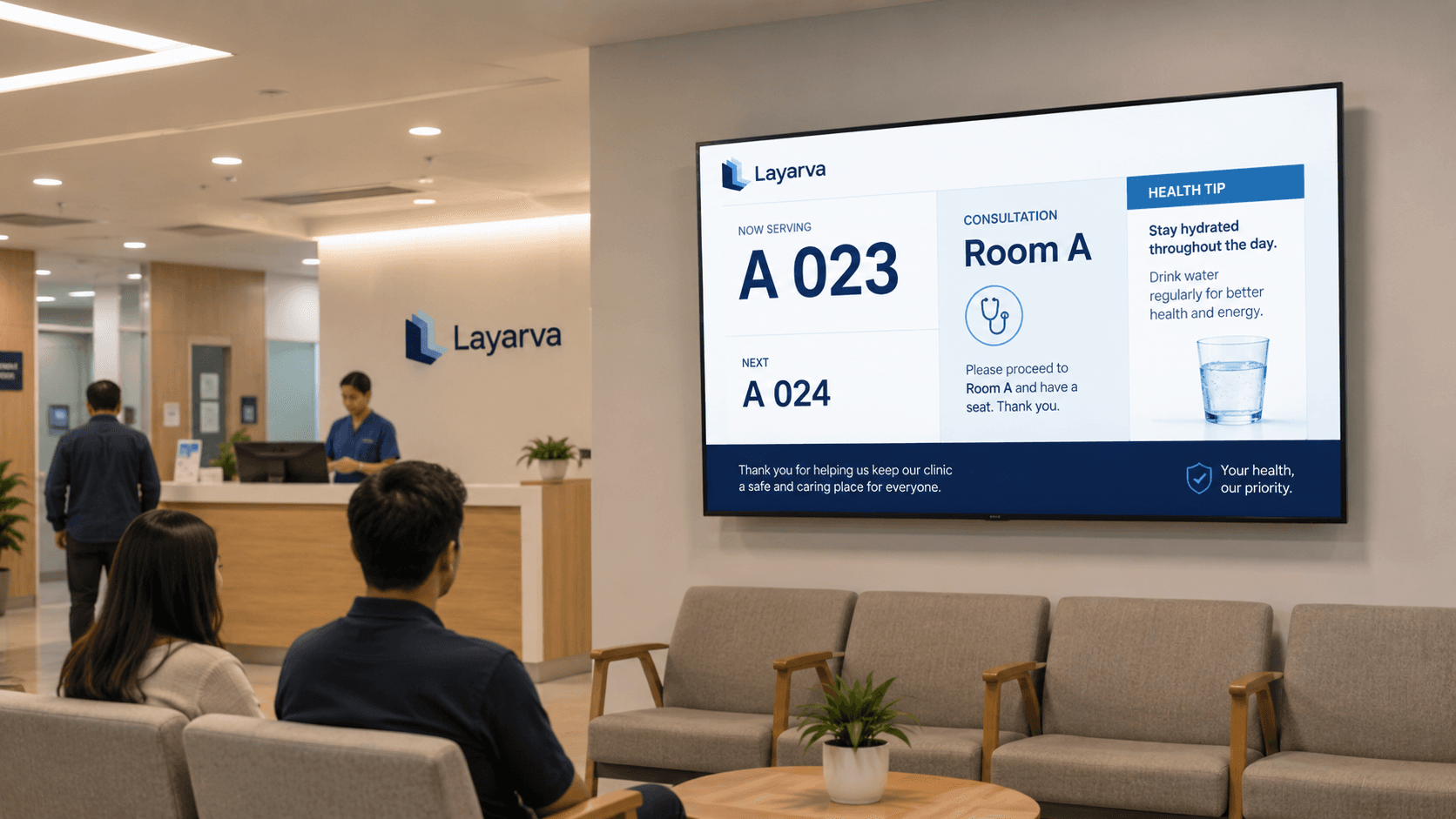
Built for every place where information needs to move.
How it works
From idea to every screen, without the complexity.
One workflow carries a piece of content from the first draft to the screen it plays on, and back again as a report.
- 1
Create
Design in Layarva Studio with text, media, motion, widgets and reusable elements.
- 2
Organize
Manage content, assets, playlists and channels in one library.
- 3
Schedule & publish
Choose what runs, where, and when — then publish an immutable version.
- 4
Play & monitor
Deliver content through Cloud, Edge or Offline, and watch screen health from one place.
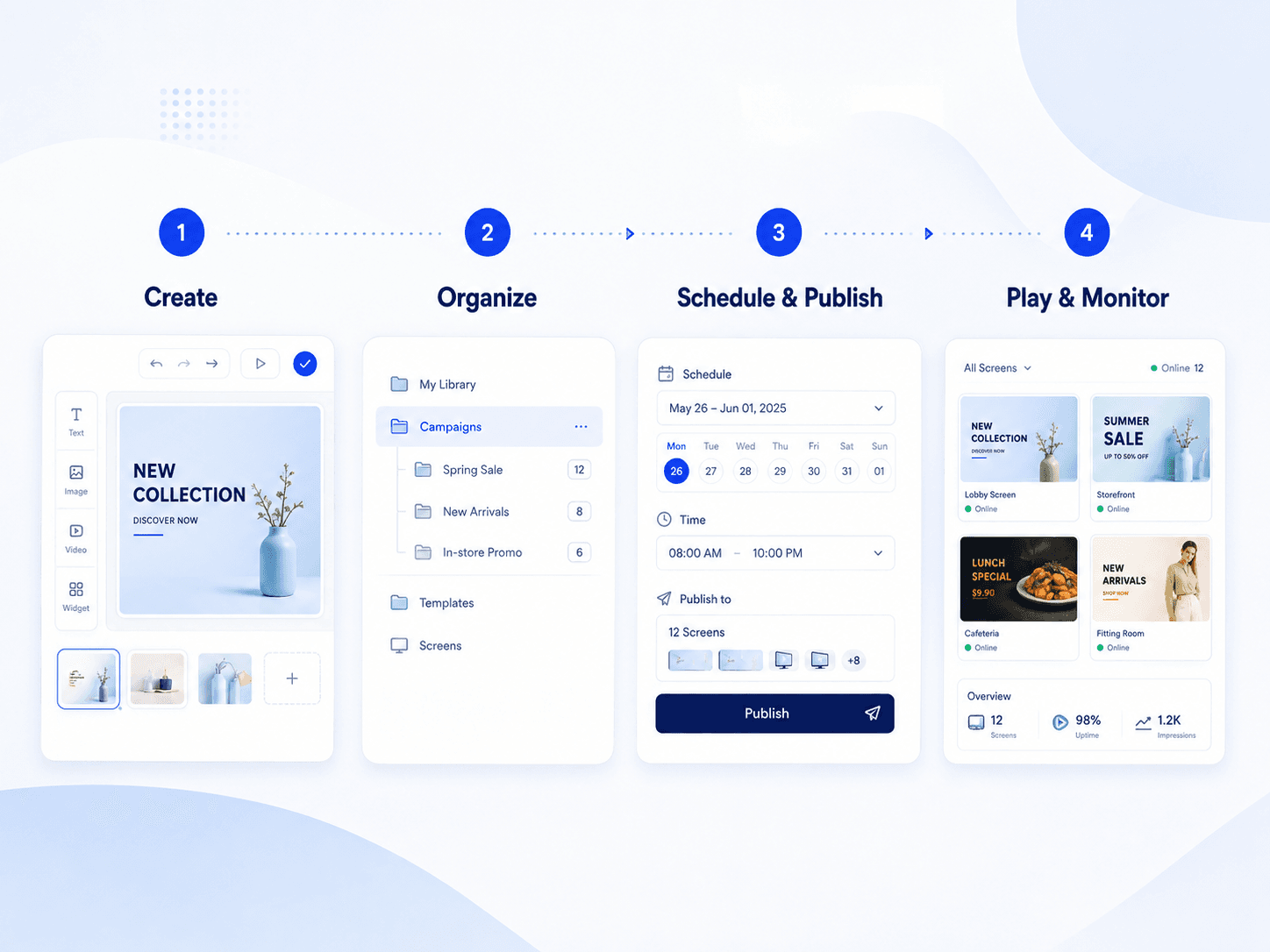
Scroll sideways to see the whole diagram.
Platform
Everything your screen network needs.
Content creation, screen operations, hybrid playback, queue and integration — in one connected platform rather than four tools that do not speak to each other.
Layarva Studio
Create screen layouts with media, text, widgets, motion and reusable design elements — landscape, portrait, Full HD, 4K or a custom canvas.
Reliable screen delivery
Deliver content through Cloud, Edge and Offline workflows, with cached media and a last known good version behind every publish.
Content & asset library
Upload, organize and version images, video, audio and documents in one place.
Playlists & scheduling
Arrange content sequences and define when each playlist plays on which screens.
Publication & rollback
Every publish creates a version. Roll back to a previous publication when something is wrong.
Screens & display channels
Manage physical screens and logical channels separately, so one layout can serve many places.
Queue management
Ticket issue, call, recall, counters, chime and text-to-speech — on a display that is still a signage display.
Custom widgets & dynamic content
Bind supported data to on-screen components so a screen can show live business information.
Monitoring & device health
Screen heartbeat, playback state and synchronization status, from one dashboard.
Hybrid delivery
Cloud. Edge. Offline.
Your screens should not depend on a single way of working.
Cloud
Manage and publish screens centrally, from anywhere, with monitoring and scheduling in the same place.
Edge
Bring synchronized content and screen operations closer to the local network the screens sit on.
Offline
Prepare local playback for environments without permanent connectivity, using content from the same platform.
Managed from the cloud. Played where your screens are.
Choosing Edge or Offline does not mean giving up central management — it changes where playback happens, not where the platform lives.
Reliability
Internet down doesn't have to mean screens down.
Playback is designed to survive the network, not to assume it.
Automatic offline cache
Content a player needs can be stored locally instead of fetched for every play.
Local playback
A player does not have to reach the internet for each asset before it can show it.
Last Known Good
If a new publication cannot be validated, the last publication known to work stays on screen.
Automatic reconnect & sync
When the connection returns, the player reconciles with the platform and reports its state.
Previously synchronized content can remain available locally according to the deployed player or Edge configuration. Offline playback does not mean every cloud management function remains available without connectivity.
Solutions
One platform. Many places to connect.
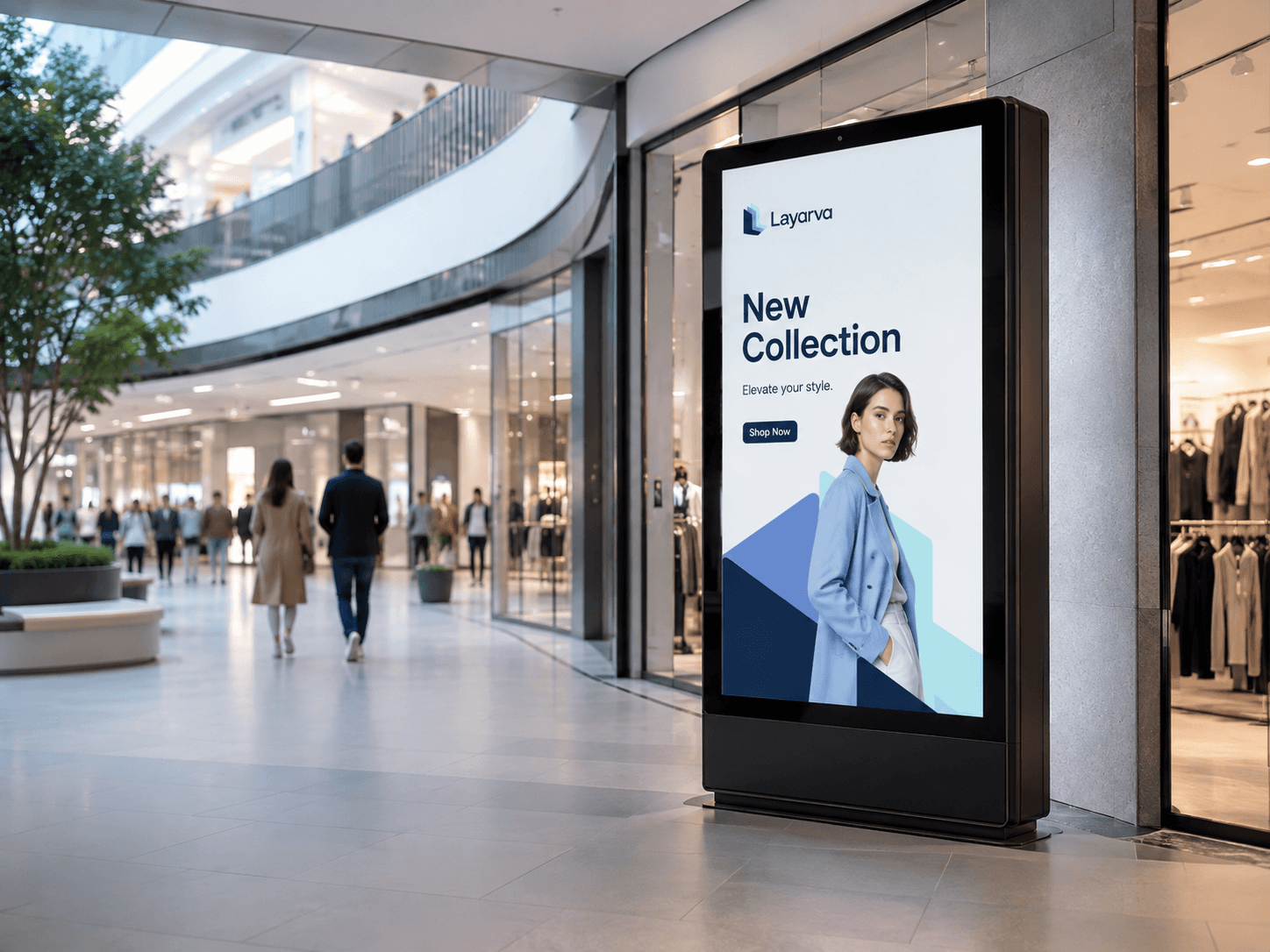
Retail & F&B
Keep every promotion, menu and price on screen current across all branches.
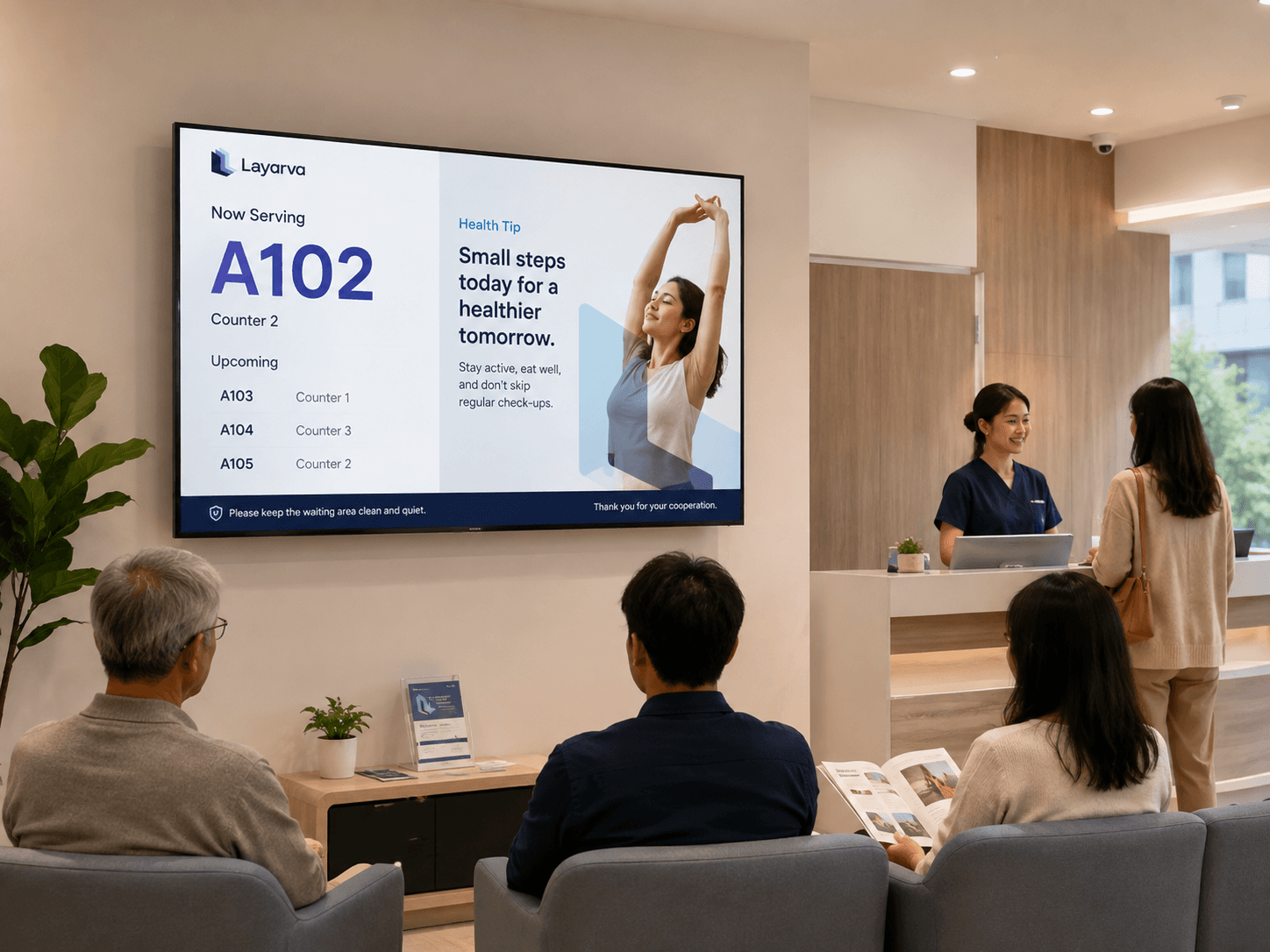
Healthcare
Give patients clearer information while they wait, and staff a queue that runs itself.
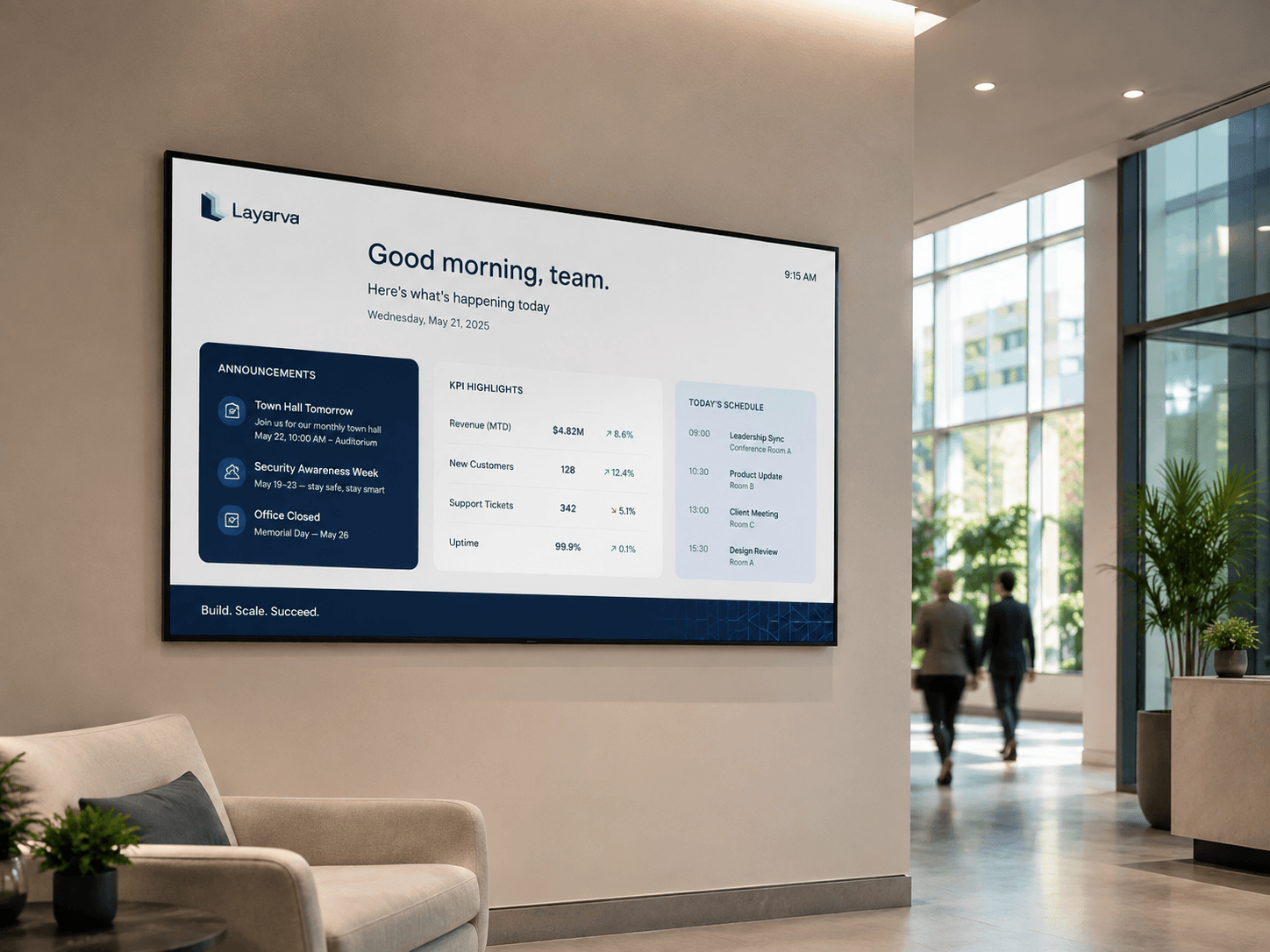
Corporate
Turn office screens into a connected internal communication channel.
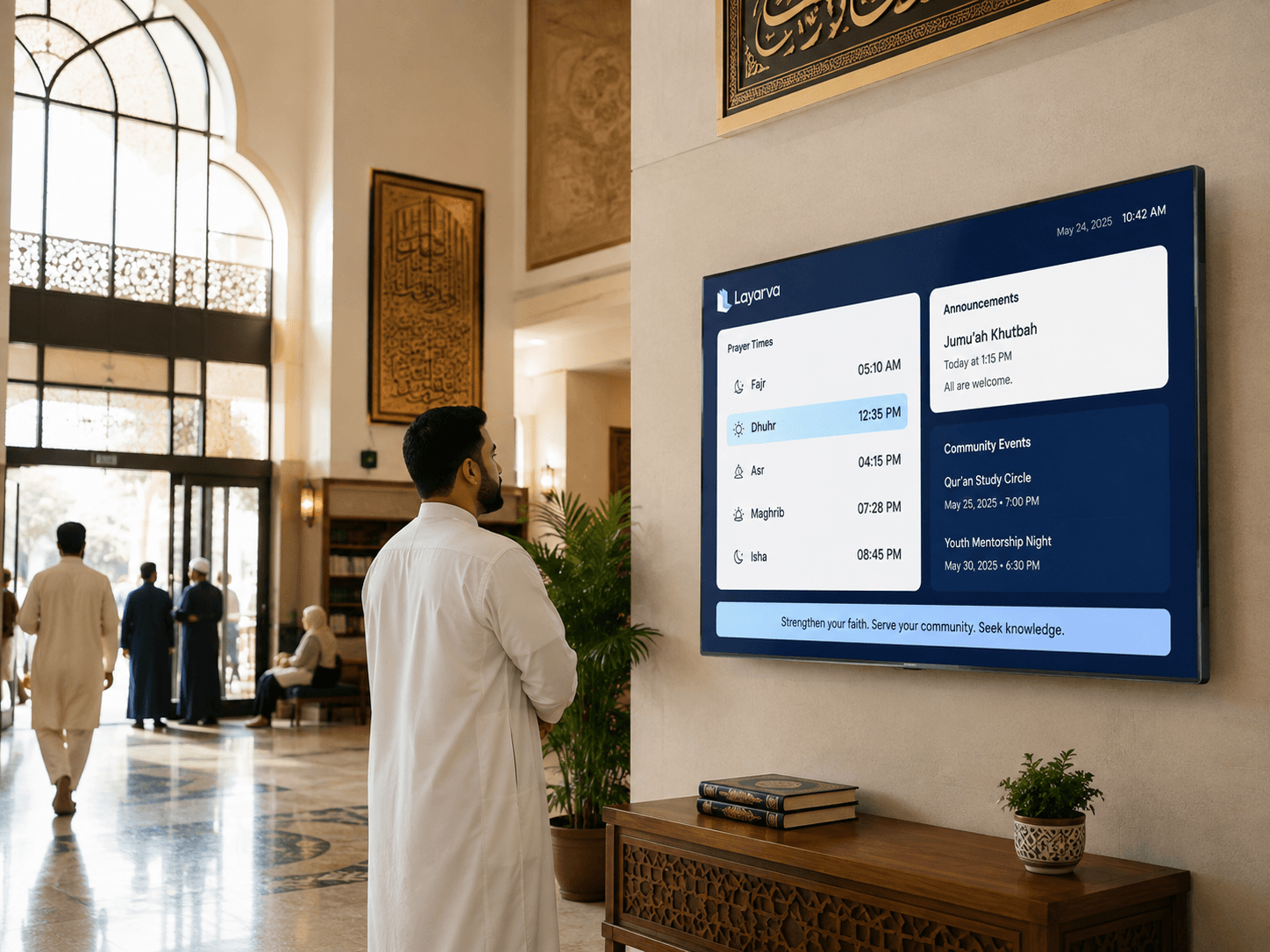
Religious Organizations
Information screens designed for places of worship — schedules, announcements and community programmes.
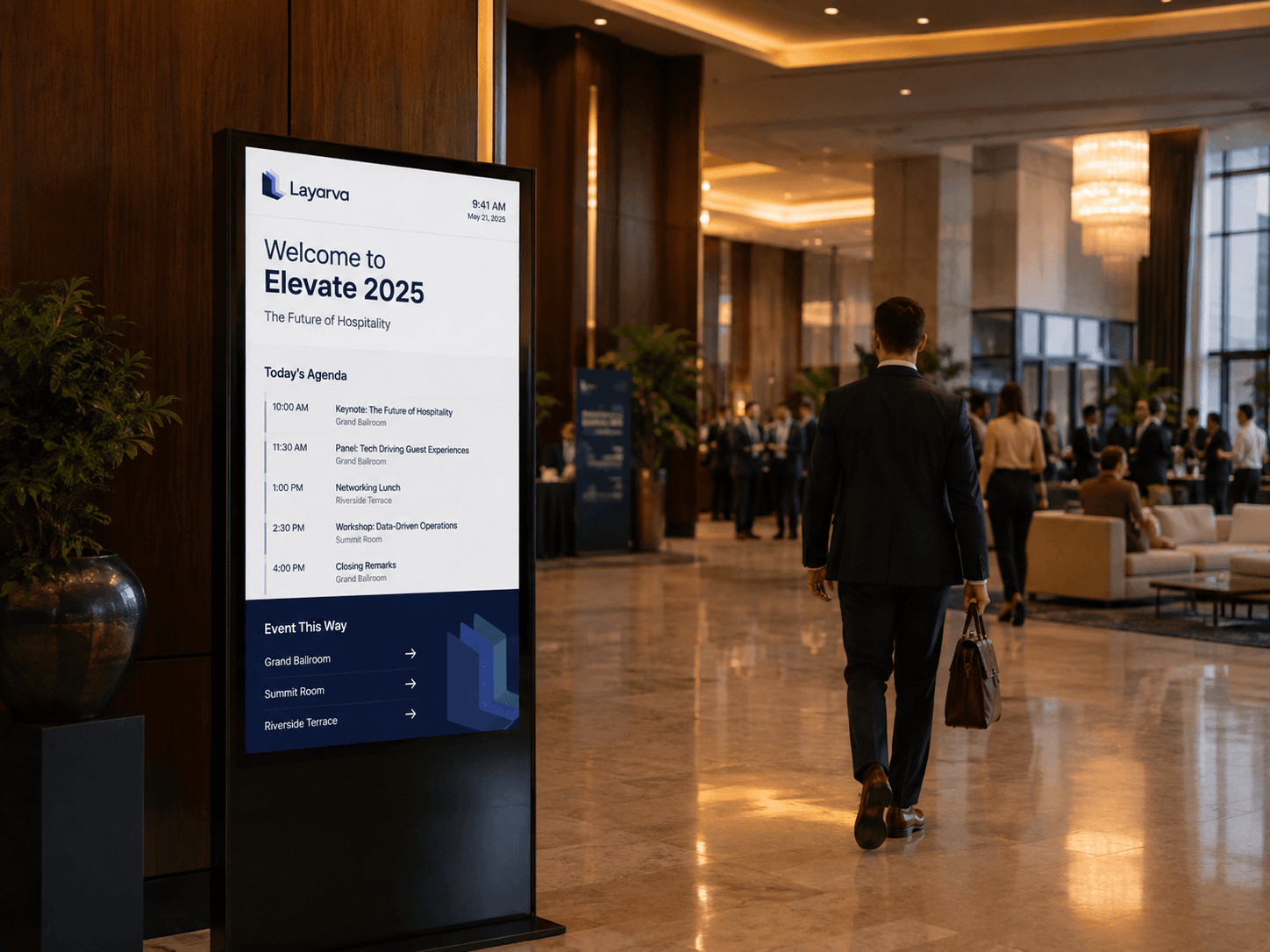
Hospitality
Create guest-facing screens for the lobby, the restaurant and the event floor.
Layarva Studio
Design content that belongs on the screen.
Create layouts for landscape, portrait, Full HD, 4K or custom canvases using reusable elements, media and dynamic widgets — without switching between several design tools.
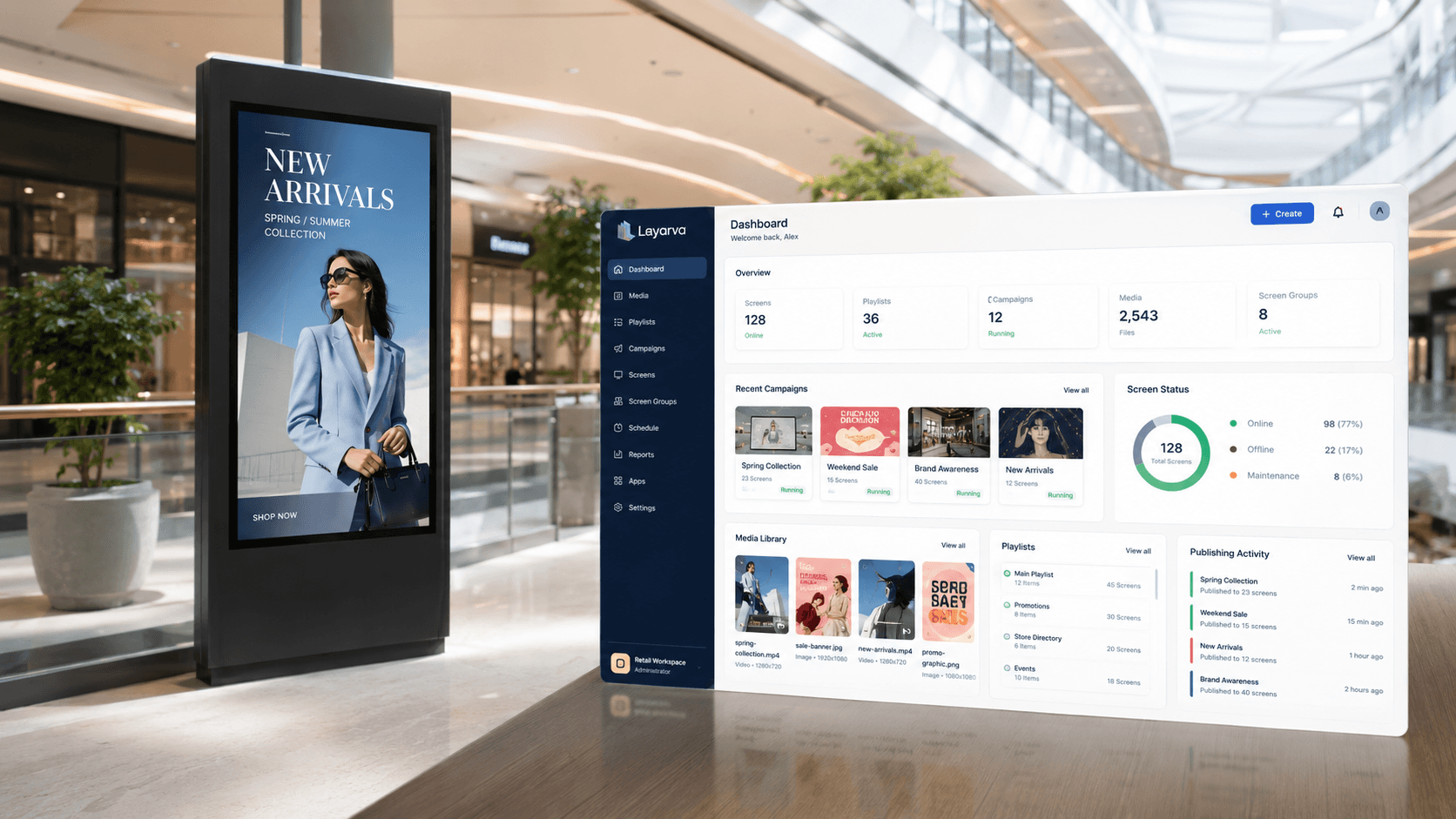
Queue management
Queue management that belongs on your screens.
Run service queues while keeping display space available for information, promotions and other signage content. Turn waiting time into communication time.
Explore Queue ManagementA-025
Counter 3
Queue operations
A complete queue, not a number on a wall.
Every Queue Unit carries the same operations, whichever plan it came with.
Public API
Connect the tools and content you already use.
Layarva is meant to be the display layer for the systems your organization already runs — not a closed island with its own copy of the data.
Your systems
Layarva Public API
Where it shows up
What connects today, and what runs through the API.
REST API & Webhooks
Build your own integration against the Public API.
YouTube Live
Embed a live stream into scheduled signage, with a fallback.
Custom widgets
Bring business data onto the canvas through your own endpoint.
OneDrive & SharePoint
Connect Microsoft cloud storage and documents.
Planned means the adapter is not shipped yet. Anything marked planned can usually be built today against the Public API — talk to us about the shape of your data before you commit to it.
Pricing
Start small. Scale when your screen network grows.
Public API is included on every plan, including Free.
Free
Start & explore
Rp0/month
Try Layarva end to end on a single screen, at no cost.
- 1 Cloud Screen
- 1 GB media storage
- —
Starter
Professional signage
Rp149.000/month
For a first location and a small screen network.
- 3 Cloud Screens
- 10 GB media storage
- Add-on
Business
Signage + operations
Rp499.000/month
For multi-screen, multi-location operations that also run a queue.
- 10 Cloud Screens
- 50 GB media storage
- 1 Queue Unit included
Premium
Scale + governance + analytics
Rp999.000/month
For screen networks that need control, reporting and integration.
- 25 Cloud Screens
- 200 GB media storage
- 3 Queue Units included
Enterprise
Large scale & custom
Quotation
For custom capacity, security requirements and support terms.
- Custom Cloud Screens
- Custom, 500 GB and above
- Custom Queue Units
Queue Only
Rp150.000/month
For organizations that need the queue system on its own.
1 Queue Unit included · 5 GB media storage
Bring your next screen to life.
Start with one display, then manage every location from the same platform.